For Apple TV · tvOS 18+
Watch your cameras.
On Apple TV.
Live view and recorded playback for your Reolink® NVR, built for the TV and the Siri Remote.
No account · Your video stays home · No subscription
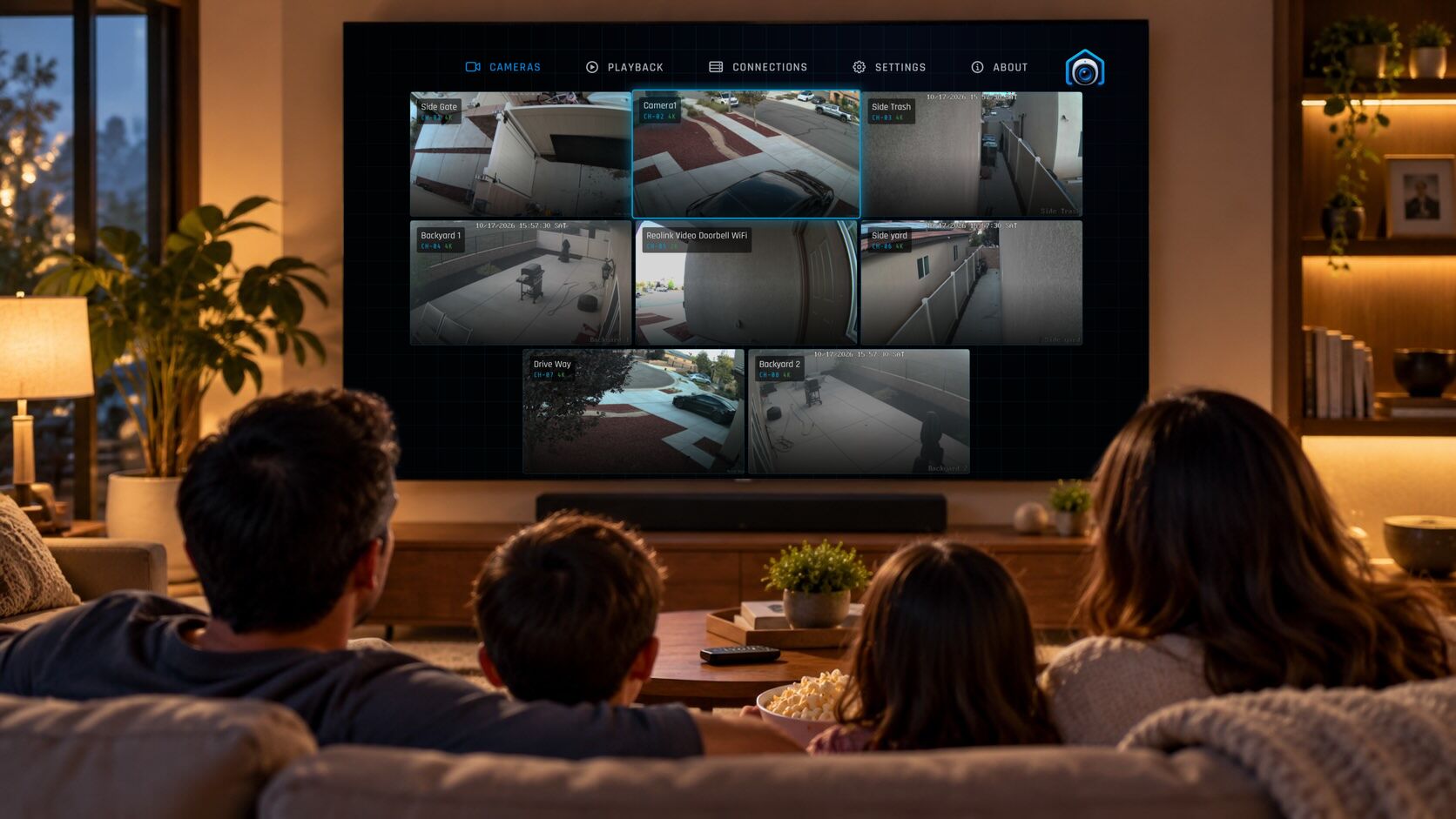
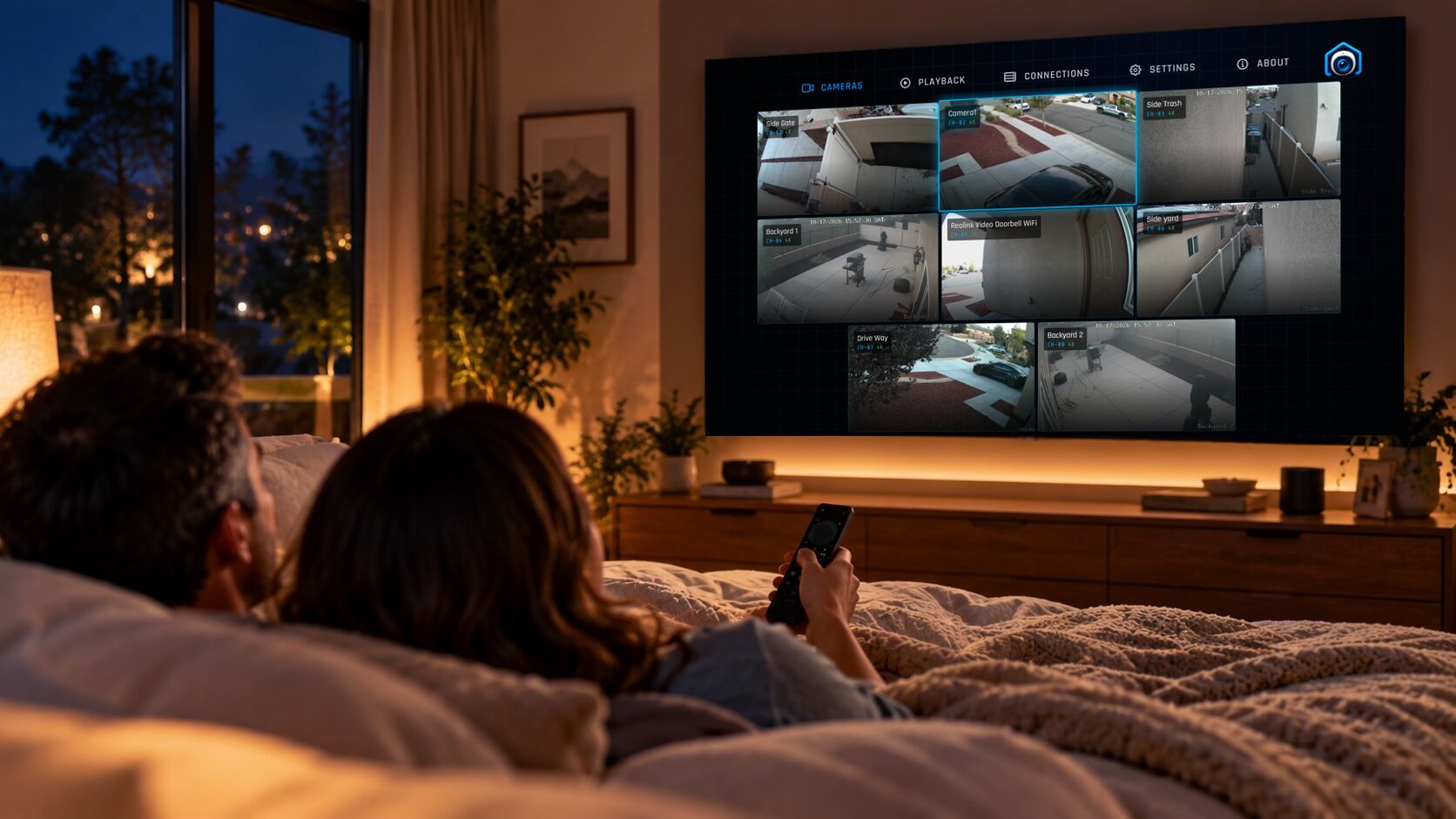
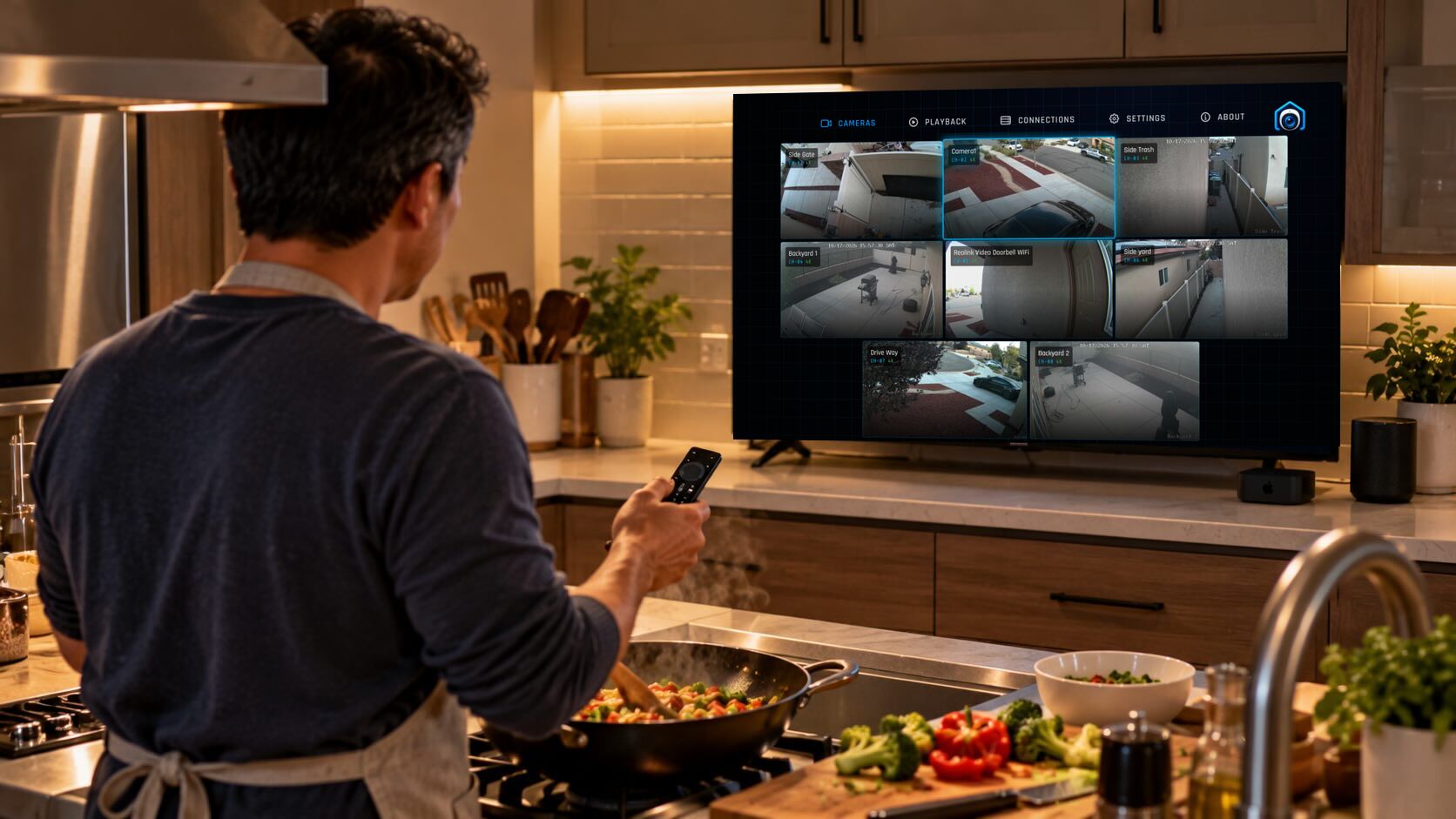
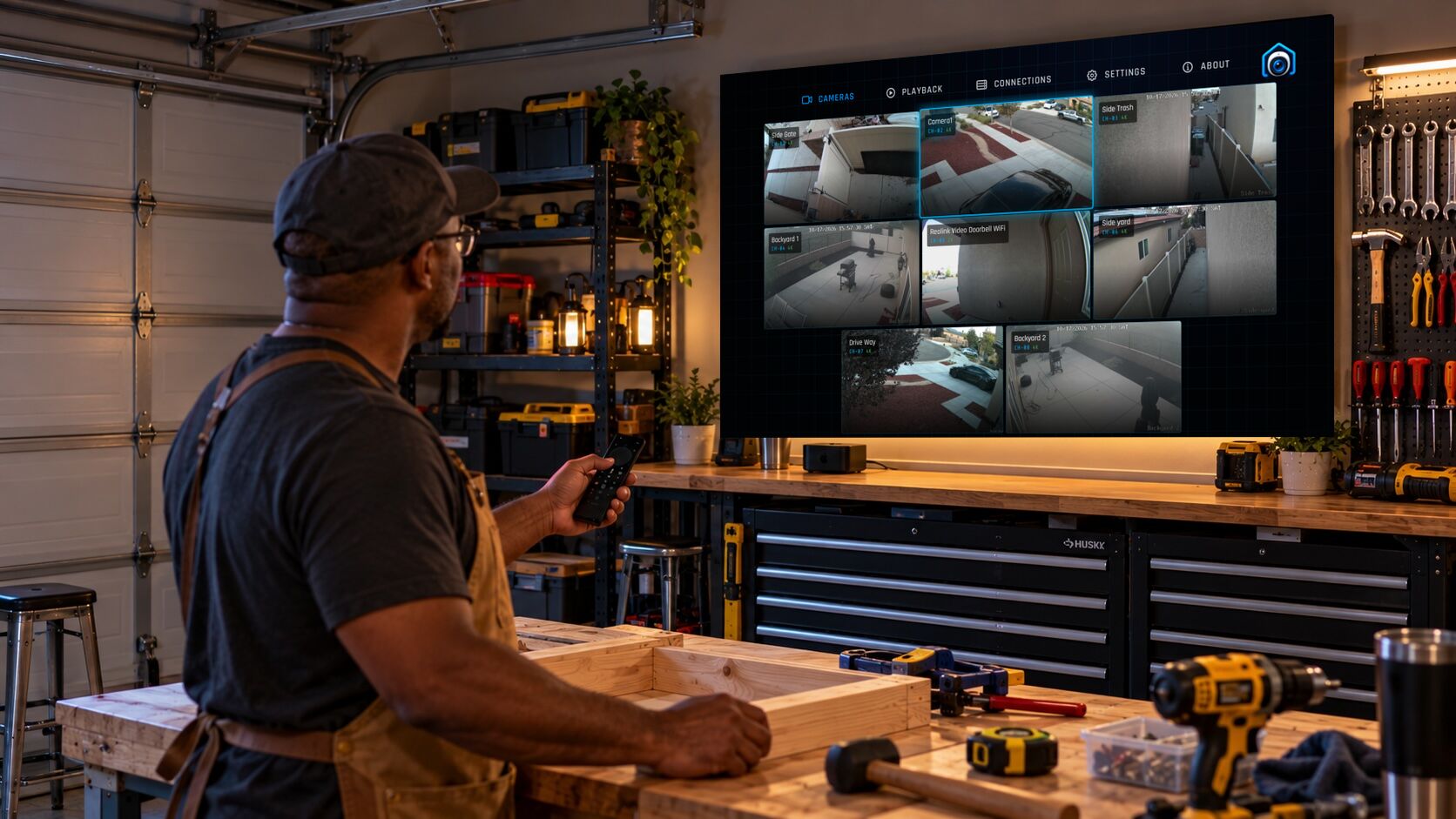
Live
Every camera at a glance.
Any camera full screen.
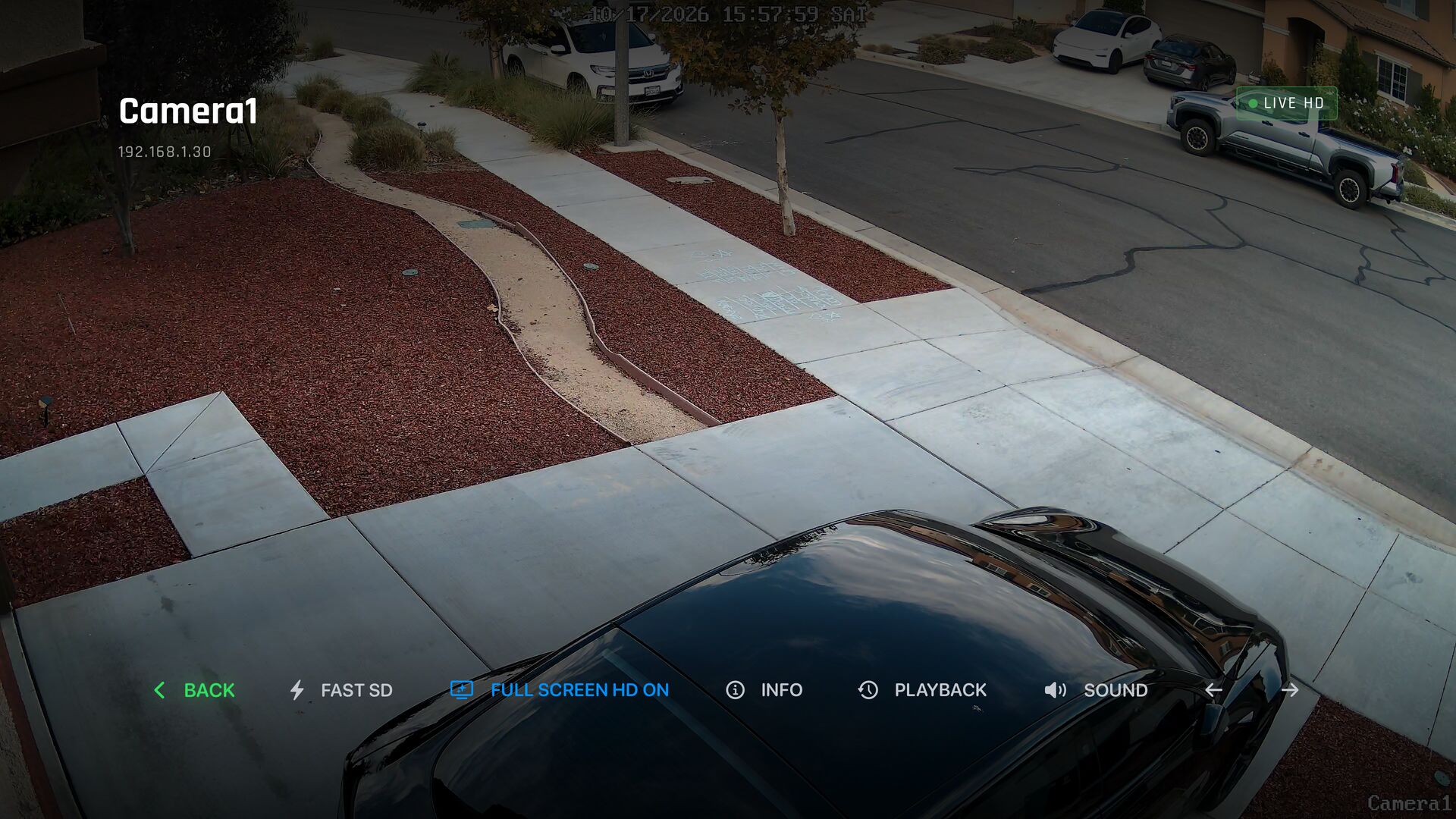
The Cameras wall shows all your cameras together, refreshing several times a second. Select one to watch it full screen in HD.
- Full-screen live HD from the camera's main stream, or Fast SD when the network is busy.
- Details for a quick look: a live preview and the camera's info without leaving the wall.
- ◄ ► to flip between cameras without going back to the wall.
Playback
Watch live. Go back in time.
Pick a day, pick a time on the 24-hour timeline, and it plays. Everything your NVR recorded, browsed from the couch.
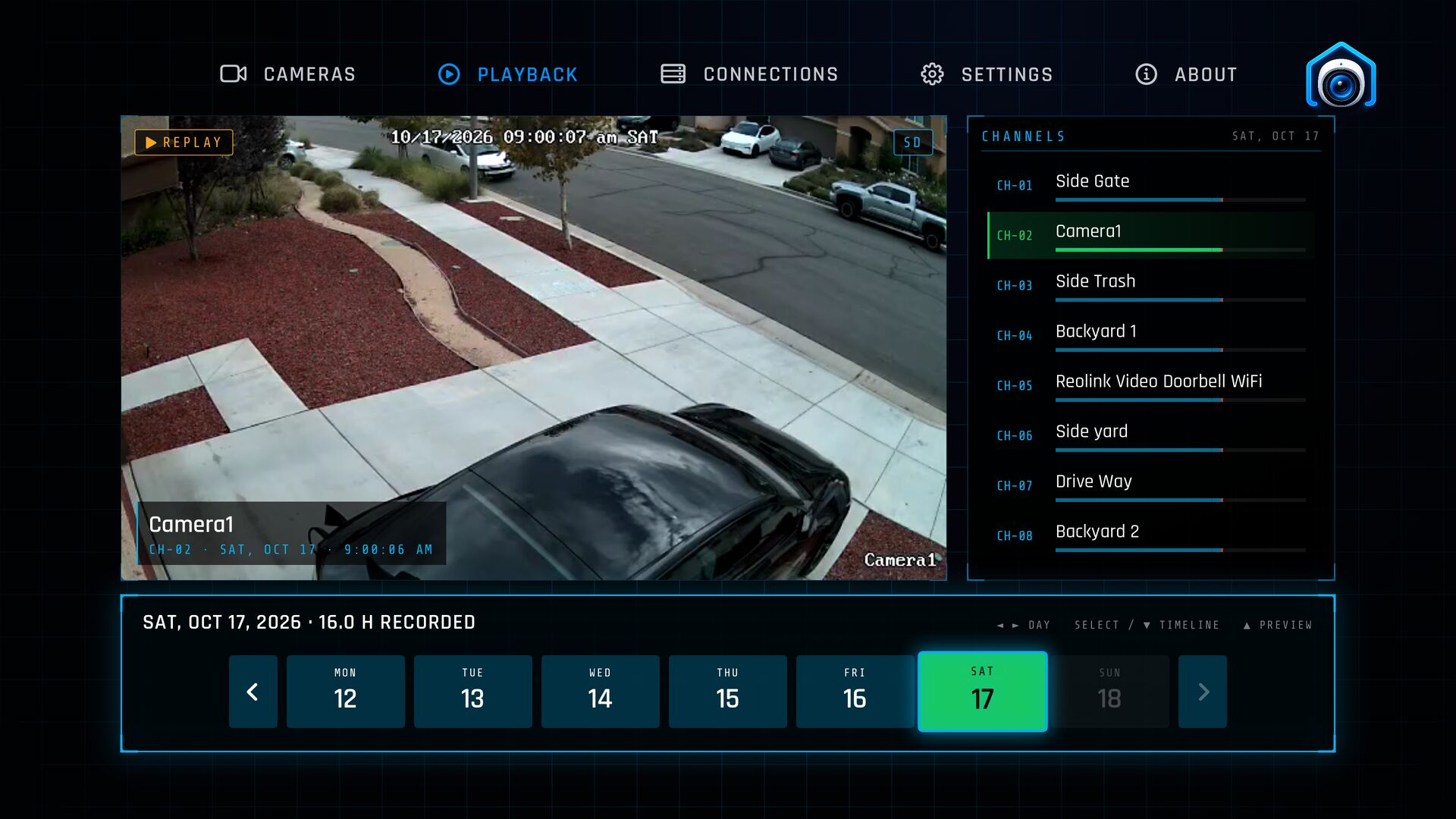
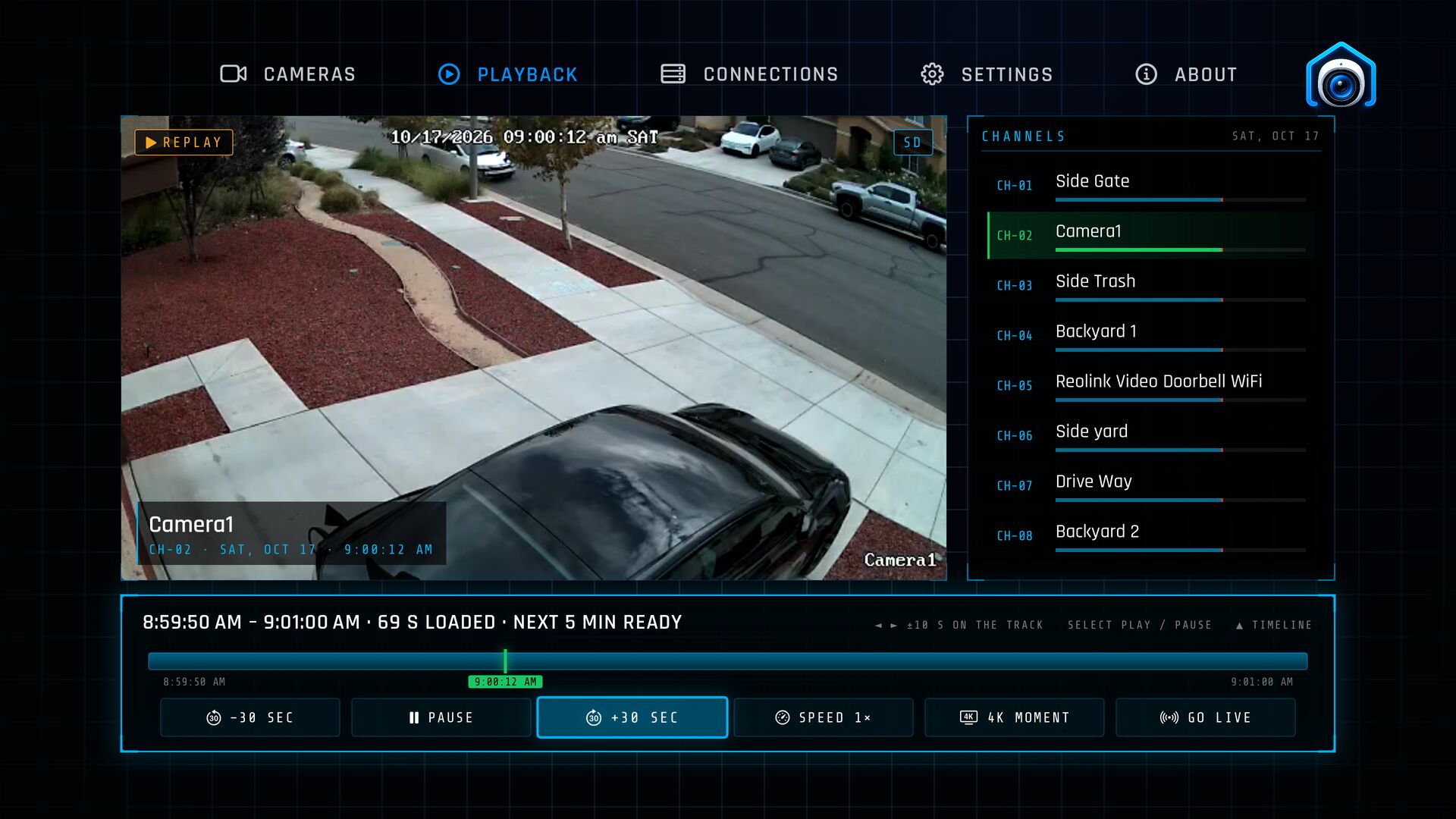
- ½× to 8× to skim a quiet hour.
- ±30 seconds to catch what you just missed.
- 4K moments: pull a full-quality clip of any moment, where your camera records 4K.
- Plays straight through the top of the hour and past midnight.
Live ⇄ Playback
From live to “what just happened?” in one click.
Saw something on a live camera? Press Playback and you're in that camera's recordings, ready to pick the day. From Playback, Go Live takes you straight back.
Made for the remote
Not a phone app stretched onto a TV.
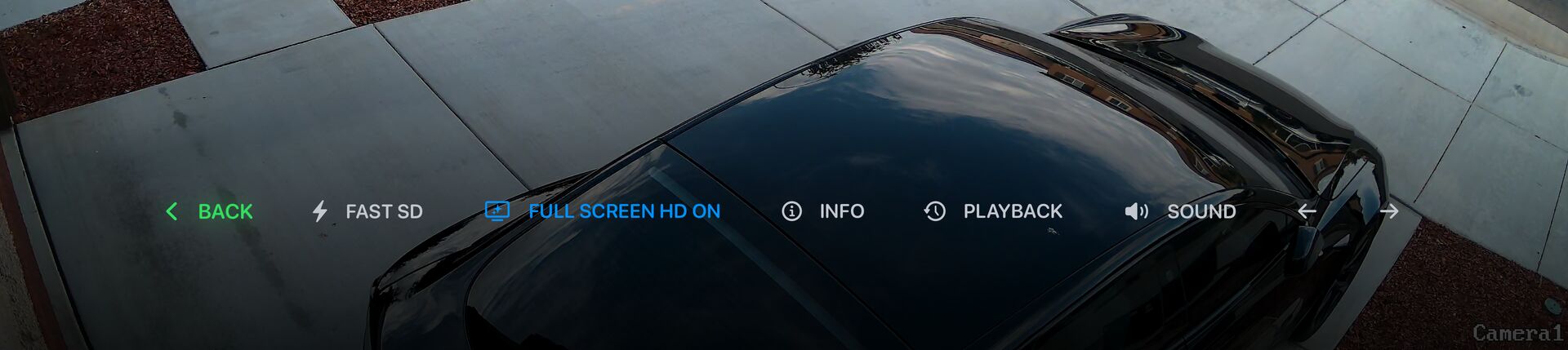
ReoView is laid out for the Siri Remote and the far side of the living room: big targets, one layer at a time, and a Menu button that always takes you one step back.
How it works
Set up in a minute.
-
Same network
Your Apple TV and your Reolink NVR on the same home network.
-
Find your NVR
ReoView looks for it on the network, or you type its address.
-
Sign in
Use the NVR's own username and password. Your cameras appear.
Private by design
Your NVR. Your network. Your video.
ReoView talks to your NVR directly: your video never leaves your network, there's no ReoView account, and your NVR password stays in the Apple TV's Keychain. To improve the app, we use Firebase for feature-use statistics and crash reports. Our usage events contain no camera details or video. Firebase uses a random app installation ID; you can turn collection off in Settings › Privacy.
Free and Pro
Free to start. No subscription.
Free
Everything to get going
- Every camera on the wall and in Details
- Full-screen live HD on your first camera
- Recorded playback on your first camera
ReoView Pro
One-time upgrade
- Full-screen live HD on every camera
- Recorded playback on every camera
- Buy once; restore on your other Apple TVs
FAQ
Good to know.
Does it work away from home?
No. ReoView connects to your NVR on your home network, so your Apple TV needs to be on the same network as the NVR. Remote access isn't supported.
Do I need a Reolink cloud account?
No. You sign in with the NVR's own username and password, the same ones you use on its local web page.
Which equipment works?
Reolink NVRs on your home network, with an Apple TV running tvOS 18 or later.
Recorded playback needs an NVR; it isn't available for a Home Hub, a standalone camera or a doorbell connected on its own.
Can I see motion or person events?
Not yet. Playback shows everything your NVR recorded, by day and time on a 24-hour timeline.
Can I watch in 4K?
Full-screen live plays your camera's HD stream. In Playback you can load a 4K clip of any moment, where your camera records in 4K.
Is there a subscription?
No. ReoView Pro is a one-time purchase, and you can restore it on your other Apple TVs.
I have more than one NVR.
Add each one in Connections and switch between them.
Something isn't working.
Email arnoldbiffna@gmail.com with your Apple TV model, your NVR model, and the version shown on ReoView's About screen. See Support for quick fixes.
Apple TV App Store
Bring your cameras to the big screen.
Get ReoView from the App Store on your Apple TV: search for ReoView, or use the button below on any device signed in to the same Apple Account. Free to download; ReoView Pro is a one-time upgrade.